
What is BIOS?, A Simple Guide
BIOS stands for Basic Input/Output System.
Think of it as the “starter” or “wake-up call” for your computer.
What does it actually do?
When you press the power button on your computer, the screen stays black for a few seconds. During that time, the BIOS is hard at work. Here’s its job in three simple steps:
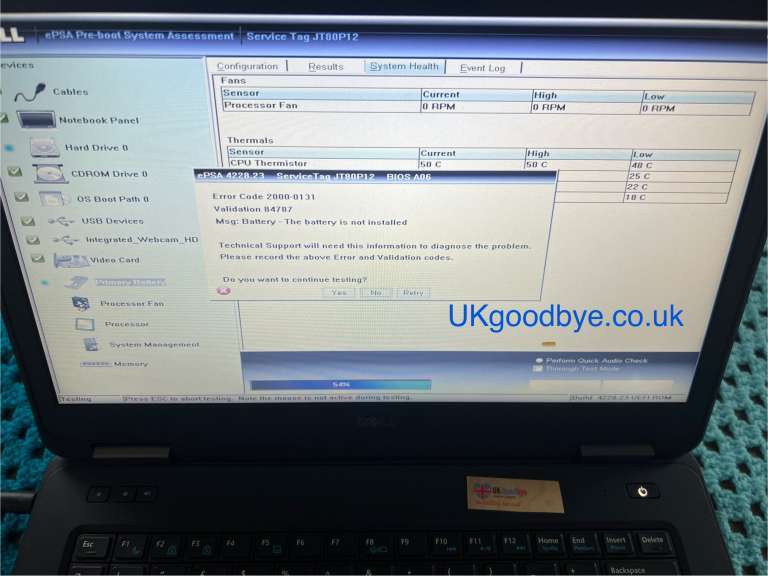
1. It checks that everything is working: The BIOS runs a quick health check on your hardware—making sure your memory (RAM), hard drive, keyboard, and mouse are all connected and functioning properly. This is called a POST (Power-On Self-Test).
2. It finds your operating system: After the health check, the BIOS looks for your operating system (like Windows or Linux) on your hard drive or SSD.
3. It hands over control: Once it finds your operating system, the BIOS loads it into the memory and hands over control. After that, the BIOS’s job is done, and you see your login screen.
A helpful analogy
Imagine your computer is a house.
The BIOS unlocks the front door, checks that all the rooms are there, turns on the lights, and hands you the keys so you can enter and start using the house. Without the locksmith, you’d be locked out!
Why would you ever need to use it?
You usually don’t see the BIOS, as it works in the background. However, you might need to access it (usually by pressing a key like `F2`, `Delete`, or `Esc` during startup) to:
- Change the order of which drive your computer boots from (for example, to start from a USB stick to install a new operating system).
- Check system information (like processor type or amount of RAM).
- Enable or disable certain hardware features (like built-in Wi-Fi or USB ports).
- Overclock your processor (make it run faster, for advanced users).
A quick note on the modern version
Most newer computers (made after 2010) use a more modern, faster, and more secure version called UEFI (Unified Extensible Firmware Interface). It does essentially the same job as the BIOS but with a nicer, clickable interface and better security features. However, people still commonly use the term “BIOS” to refer to both.
The BIOS is the small but essential piece of software that gets your computer ready to start up every single time you turn it on. Without it, your computer would just be a box of metal and silicon!